
Protect your online identity by choosing the right domain, controlling ownership, configuring DNS safely, and documenting website and email records.
A domain connects brand identity, website traffic, business email, verification services, and customer trust. Small ownership or DNS mistakes can interrupt several systems at once, so domain management should be treated as business infrastructure.
Quick answer
Register the domain under an organization-controlled account, enable strong authentication and recovery, document renewal responsibility, limit DNS access, and verify website, email, SSL, and third-party records after every change.
Choose a durable domain name
Prefer a name that is recognizable, easy to communicate, and not tied to a temporary campaign or narrow product unless that is intentional. Review spelling, relevant extensions, trademark risk, and how the name appears in email addresses.
Register important domains before publishing brand material. Keep registrant details, payment methods, renewal notices, and recovery contacts current.
Understand what DNS controls
DNS directs the domain to websites, email providers, verification services, and other systems. Common records include A or AAAA, CNAME, MX, TXT, and nameserver settings. Each change should have a defined purpose and rollback plan.
Avoid deleting unfamiliar records during migrations. Export or record the existing zone, lower time-to-live values when appropriate, and validate every dependent service after the change.
Protect email and verification records
Business email commonly depends on MX plus SPF, DKIM, and DMARC records. These should be configured according to the actual sending platforms and reviewed when marketing or support tools are added.
Verification TXT records may remain after a service is removed. Periodically review the zone and remove records only after confirming they are no longer required.
Document ownership and access
Maintain a simple register of domains, registrars, expiry dates, nameservers, administrators, recovery methods, and connected services. Use role-based access where supported instead of sharing a single password.
When a supplier manages DNS, the business should still retain ownership and an escalation path. Access should be reviewed when staff or vendors change.
Practical checklist
- Organization-controlled registrar account and recovery
- Renewal owner, expiry tracking, and payment method
- Recorded DNS zone and purpose of important records
- Validated website, SSL, email, and verification services
- Restricted access, strong authentication, and change documentation
Common mistakes to avoid
- Letting an unreachable individual own the primary domain
- Replacing nameservers without copying required email records
- Making several DNS changes without a record or rollback plan
How ABS Soft can help
ABS Soft provides domain registration with a clear process covering discovery, scope, implementation, review, launch, and support. The recommendation depends on your users, workflow, existing systems, budget, and long-term ownership needs.
Explore our Domain Registration service or contact the team for a requirement-focused discussion.
Frequently asked questions
What is the difference between a domain and hosting?
The domain is the address people use; hosting provides the system or files served at that address. DNS connects the domain to hosting and other services.
How long do DNS changes take?
Changes can appear quickly but caching and provider behavior vary. Plan migrations with realistic propagation time and validate from more than one network.
Does SSL come with the domain?
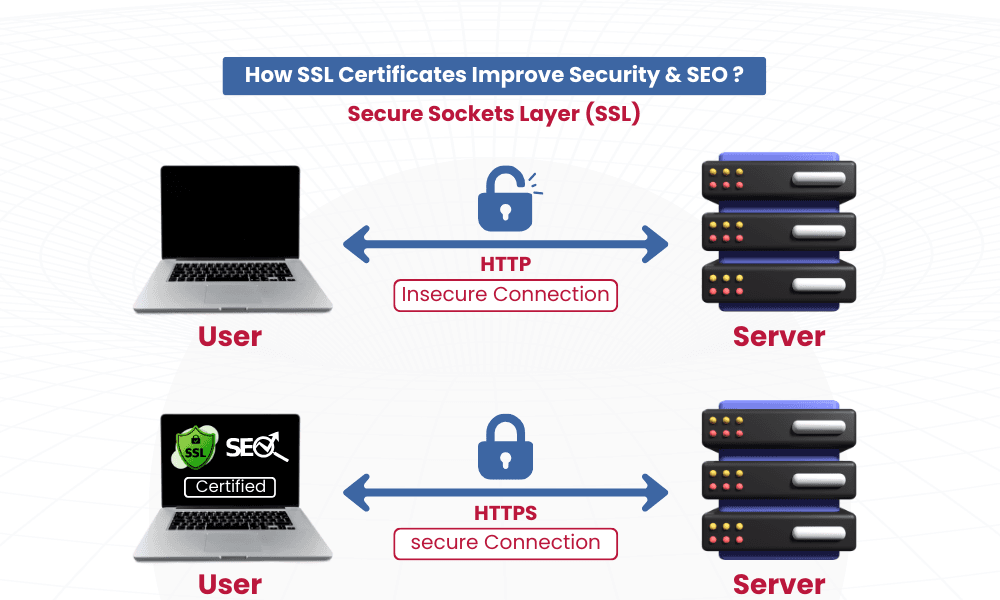
Not automatically. SSL certificates are issued and configured for the service using the domain. Many hosting platforms automate this, but renewal and validation still need monitoring.
Final takeaway
The best decision is not the one with the most features. It is the one that solves the right problem, is understandable to its users, can be operated safely, and leaves room for measured improvement.